
Fix My Speaker – Eject water & Dust With Speaker Cleaner Sound
Have you accidentally dropped your phone in any water body? Maybe in the sink, basin, bathroom, or swimming pool?
Water can seep into your phone’s speaker, causing the sound to be muffled. Moisture, corrosion, and rust on delicate parts can also cause a short circuit and permanent speaker damage.
Thankfully, Fix My Speaker offers a safe solution without opening your device. When you press the Start button on this web app, it plays a specific water ejection sound of 165Hz to loosen the dust and shake the water molecules.
This water ejection process restores sound clarity, helps prevent speaker damage, and protects the device from residual moisture. It’s quite similar to the water ejection feature on the Apple Watch.
Still muffled? Don’t panic!
Continue scrolling below and explore a detailed guide to diagnose the actual issue with your phone speaker, understand when DIY cleaning is the right call, and when it’s best to seek professional help.
What is Fix My Speaker?
Fix My Speaker is a browser-based tool that helps to remove water or tiny sand particles from speakers. No signup, login, or installation is required, and no data is collected.
Simply open it in your browser, select a cleaning action, turn the volume of the device up to maximum, and press the start button to activate the blower.
I have used it on dusty phone speakers; it helps clear the sound path by emitting low-frequency vibrations that dislodge trapped moisture and particles inside the speaker.
How Does Fix My Speaker Work?
When moisture or dust get enter in phone speaker through the small openings, the sound often gets distorted and muffled.
Fix My Speaker can address this issue with specific sound vibrations that cause the debris and water droplets to vibrate.
Fix My Speaker – Water Eject Sound for Speakers
Watch how Fix My Speaker uses specific sound vibrations to eject debris from the speaker and restore clear audio in minutes
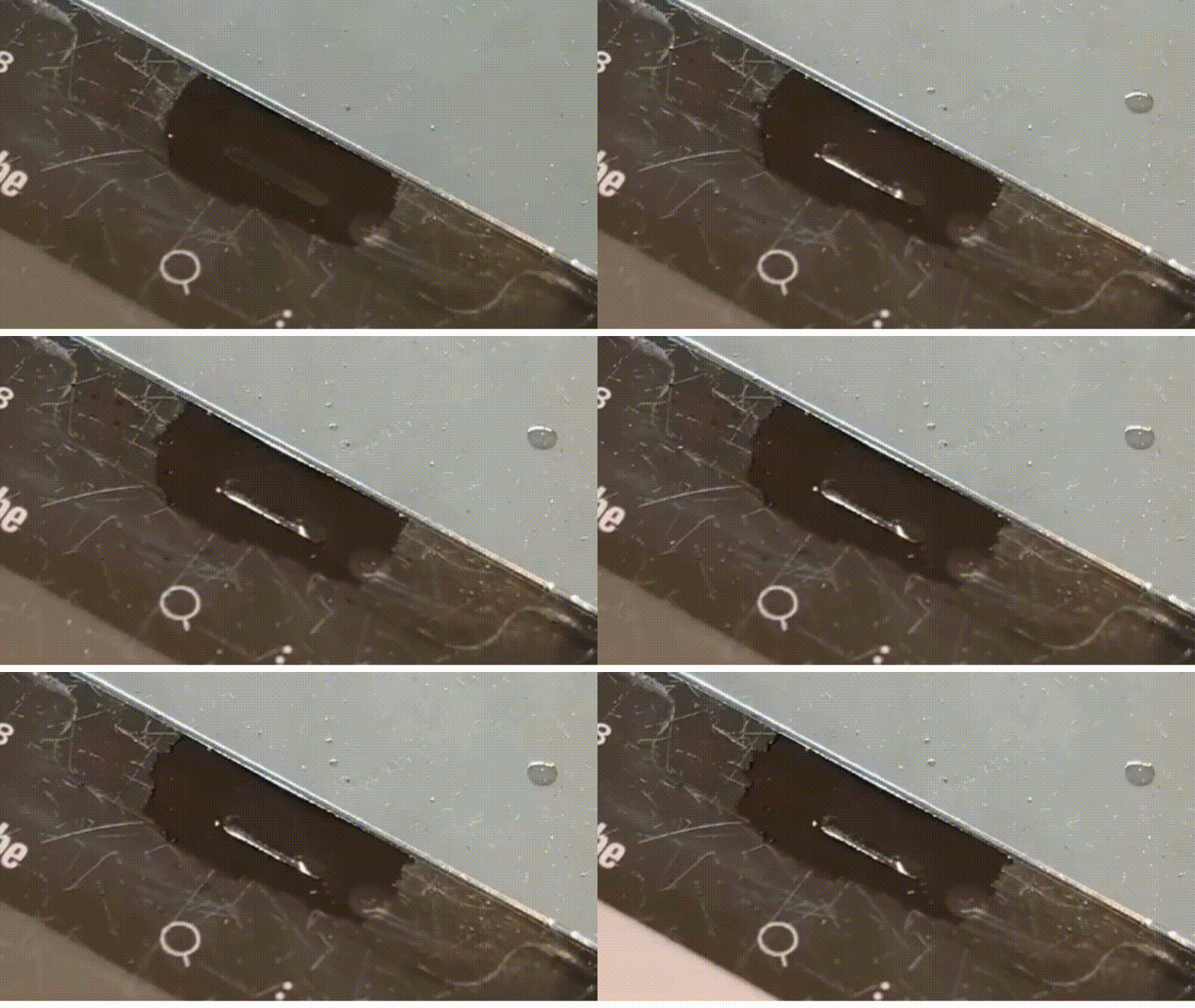
Step-by-Step Working Procedure

Sound Waves
Non-invasive, calibrated tones at 165Hz create sound pressure in the speaker diaphragm.

Specific Vibrations
The rapid shaking effect loosens dust and breaks the surface tension of water molecules.

Frequency Shift
Not all debris responds to the same frequency, so tones shift to target and dislodge every particle.
How Does Fix My Speaker Work?
What are the Features and Benefits of Fix My Speaker?
Fix my speaker is loaded with outstanding features to clean the speaker of your device without opening it. Only press a single button, remove water and dust, and enjoy a clear sound.
Features

Water Ejection
165Hz tone pushes the water out of the speaker grill without any damage.

Compatibility
Highly compatible across Apple, Android, headphones, Earbuds, and pc speakers.
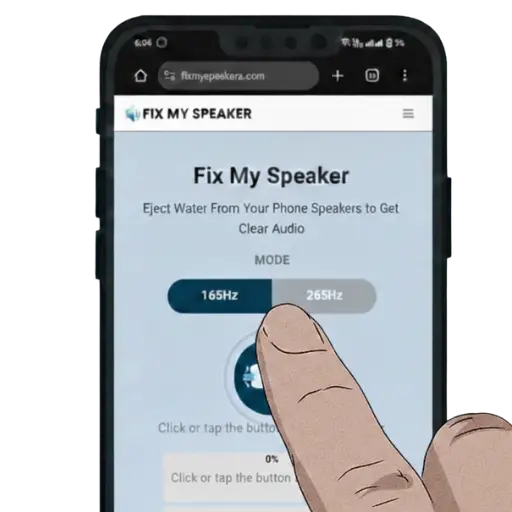
Easy to use
No complicated steps. Clean and simple interface – Just press a button.

Instant Results
No longer wait – allow the specific vibrations to enter the speaker and get results quickly.

No Download
No app to download – No account, No signup – all done without restrictions.

Safe to use
We embed tested and calibrated sound waves – No interaction with the software of the device.
Benefits

Improved Sound Quality
Restore clear, crisp, and loud sound once again in the device.

Cost Saving
Don’t hurry to pay. Maybe it’s a minor water splash in the speaker mesh – clean it free.

Convenience
Fix the speaker anywhere, anytime. No appointment – No shipping
Preservation
Remove moisture before it corrodes the grille and components.
Eco-friendly
No cotton swabs. No chemicals – no consumables.

Fix at Home
Don’t have time to visit the repair shop? Press the button – restore clear audio
Avoid long-term damage
Protection against dust and water – No short circuit, No rust on delicate parts
Touchless solution
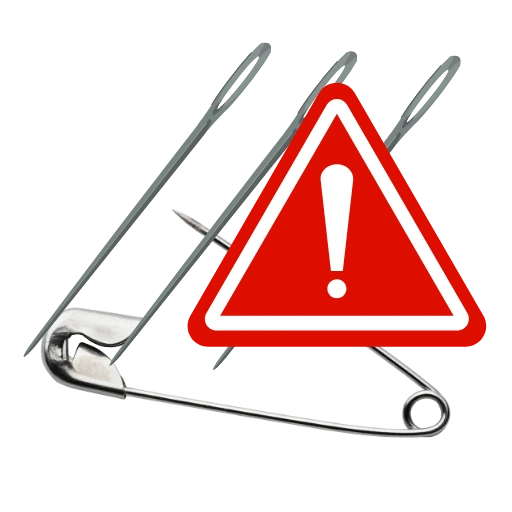
No device opening – No sharp objects, pins, or needles are involved.
What Sets Us Apart from Other Fix My Speaker Tools?
Our tool automatically adjusts sound frequencies every second, setting us apart from the competition.
We continuously test and calibrate different sound frequencies to ensure optimal performance, as our core focus is on delivering promised features with complete honesty and reliability.
Unlike other speaker cleaning tools, we offer 3 modes — each operating at a different sound frequency — because we know that not all debris responds to a single tone.
Additionally, we provide a user-friendly experience that makes navigating the site effortless, ensuring you stay comfortable and informed with the latest content at all times.
| Features | Our Tool | Other Tools |
| Cleaning Modes | 3 Different Modes | Only Basic Tones |
| Water Eject | 165Hz sound + vibrations | Simple tone or weak vibration |
| Dust Cleaning | Has a special mode for dust | Limited |
| Supported Devices | Phones, laptops, earbuds, watches | Usually just smartphones |
| Cleaning Modes | Sound + vibration combo | Just one mode |
| User Interface | Easy to navigate, Progress Bar | Old design, no progress shown |
| Cost | Totally free, no ads | Might show ads or ask for payment |
| Sound Test | Enabled | Mostly Missed |
| Educational Content | Enabled | Minimal |
Why You Need to Clean Your Phone Speakers from Water and Dust?
Gradually, dust buildup and moisture inside the speaker lead to muffled sound, reduced clarity, and even cause corrosion and rust on delicate parts if not addressed quickly.
Here are the effects if you don’t clean your phone’s speakers from water and dust:
What’s the Science Behind Fix My Speaker’s Sound Wave Technology for Water Removal?
Speaker Cleaning Methods – Dust vs. Water Damage
If you notice a decline in sound quality, it may be dust or water in the mesh of your phone speaker.
What are the Popular Ways to Clean Speakers?
Cleaning the phone speakers daily keeps the audio crystal clear. If it gets moisture, use uncooked rice and silica gel to remove wetness.
Rice Method
Silica Gel Method
Other Speaker Cleaning Methods
Comparison with other speaker cleaning Methods
| Method | Effectiveness | Safety | Convenience |
| Fix My Speaker | 165Hz sound waves push debris successfully | No Device Opening, Completely safe | Super easy – runs in your phone’s browser |
| Rice Method | Absorb moisture slowly | Rice dust is not safe | Long wait – might take 24-48 Hours |
| Hair Dryer | Evaporates surface moisture | Risky – May damage sensitive parts | Quick to use, but not very safe |
| Professional Repair | Always recommended | Completely Safe | Expensive and time-consuming |
What to Do if Your Phone Falls in the Water?
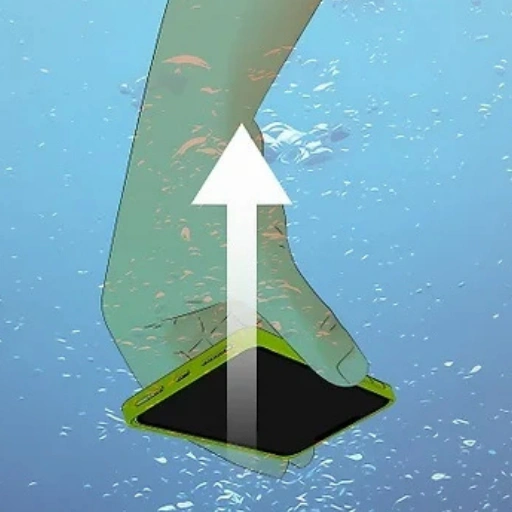
Take It Out Immediately
Pick the phone up from the water to prevent moisture from spreading in sensitive parts.
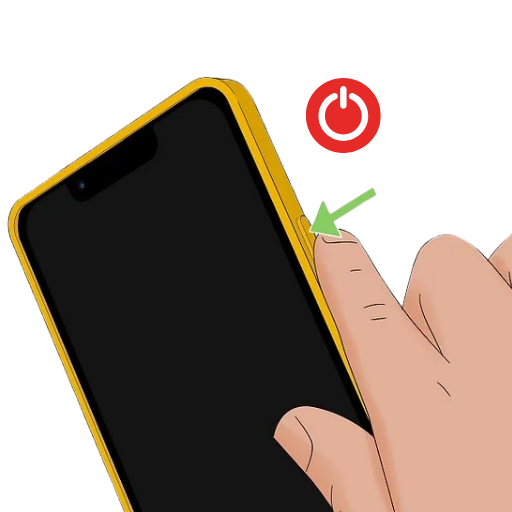
Device Turn Off
Power off the device right away, as Water’s electricity-conducting ability can increase the risk of a short circuit.
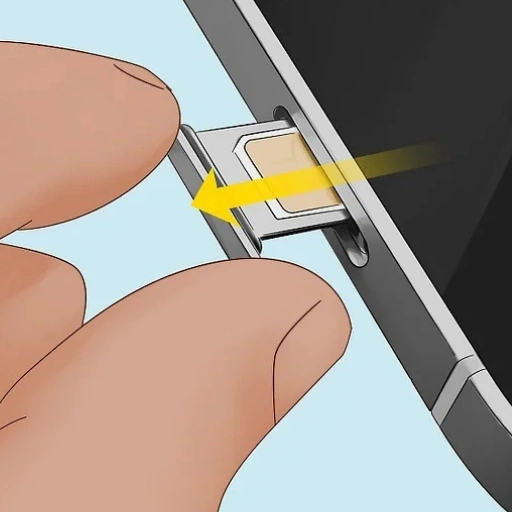
Unplug the phone
remove its case, take out the SIM card, and SD card to prevent data loss and rust on sensitive parts.
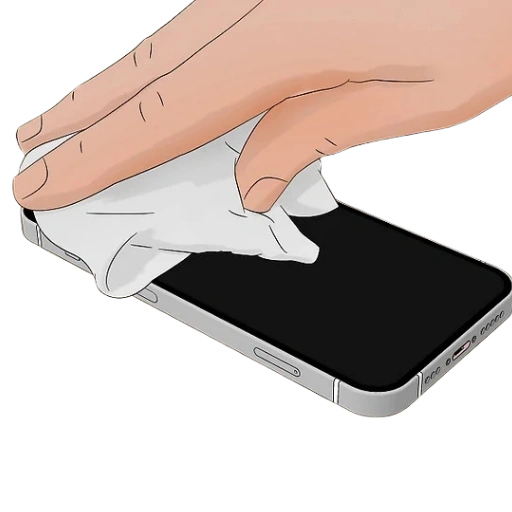
Wipe the Surface Dry
Wipe the Phone (Front, back, and buttons) with a soft, lint-free cotton from all sides just to make it dry without any scratches

Avoid Heat
Don’t use the hairdryer or microwave to dry phone speaker. Too much heat can do just as much damage as the water itself.
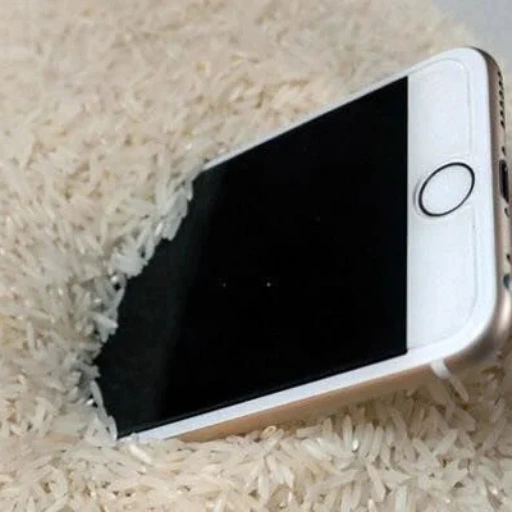
Use Silica Gel or Rice
Skip the hairdryer, microwave, or direct sunlight. Too much heat can do just as much damage as the water itself.

Wait Before Turn It On
Be patient. Powering on the device too early can cause permanent damage or make things worse.

Check and Turn It On
Check the Performance of speaker. If it still does not respond, visit a repair professional.

Back Up Your Data
If your phone turns on successfully, back up your data immediately.
What Types of Problems Can Fix My Speaker Solve?
Which Brand Speaker Can We Repair for You at Fix My Speaker?
The experience of muffled, irregular, and broken sound from the phone speaker is annoying. Its solution can be smart with our app – No matter which brand your phone is from!
We support these top 7 brands:
Myths and Facts About Fixing Water-Damaged Speakers
When water gets into phone speakers, many people try different ways to fix them. Understanding the myths and facts about each method can help you make the right choice.
Myths
Facts
Preventing Water Damage to Your Smartphone
Moisture in phone speaker can lead to a decline in audio quality. Here is how to protect it

Use a phone pouch
Transparent, sealable bags protect your phone from water, dust, and sand.
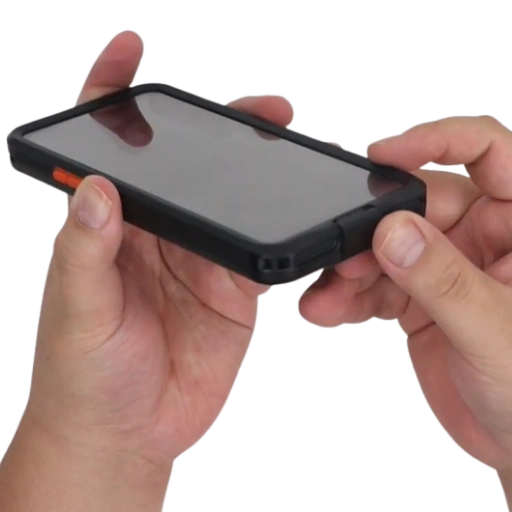
Waterproof cases
Covers the sides, back, buttons, and ports to protect against water, humidity, and dust.
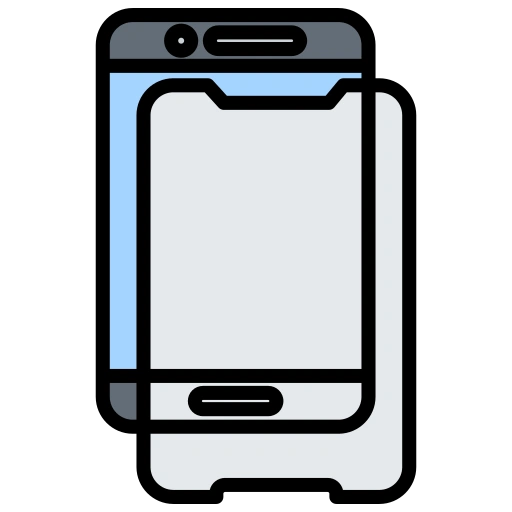
Screen Protectors
Some screen protectors have a hydrophobic coating that helps repel water and humidity.

Avoid Wet Hands
Always use your phone with dry hands to reduce the risk of moisture damage.

Keep Drinks Away
A spill can trigger the moisture alert and stop your phone from charging safely.

Check IP Ratings
IP rating shows how resistant your phone is against water and dust.
Top Phone Speaker Issues and their fix
| Issue | Causes | Fix |
| Low Volume | Sound is too low | Check software updates and turn off Do Not Disturb mode |
| Muffled audio | sounds blocked or unclear | Clean the speaker grill |
| Crackling | Distortion or buzzing noise | Gently clean the speaker grill with a soft-bristle brush |
| No Sound | Speaker is silent | Get professional help |
DIY Speaker Repair: When To Try It and When To Call Professionals
After getting moisture in your phone, are you thinking about which one is better to go with? Should you take the phone to a repair expert or follow a DIY guide on the internet? Its answer is quite simple; it strongly depends on the quantity of debris that is getting into the speaker.
Sometimes DIY sounds good, sometimes it’s risky. Here are some indications that help you to make a wise decision.
When to Try DIY Speaker Repair
When to Call Professionals
Conclusion
Dust and moisture in your phone can ruin your audio experience. If it’s minor, use quick and cheap DIY cleaning methods.
If your phone has been submerged in water, take it to a repair lab fast to avoid rust, corrosion, and short circuits.
FAQs-Frequently Asked Questions