
How to Instantly Remove Water from Your iPhone Without Opening it
Use Sound-based vibrations at 165Hz to remove water from iPhone speakers.
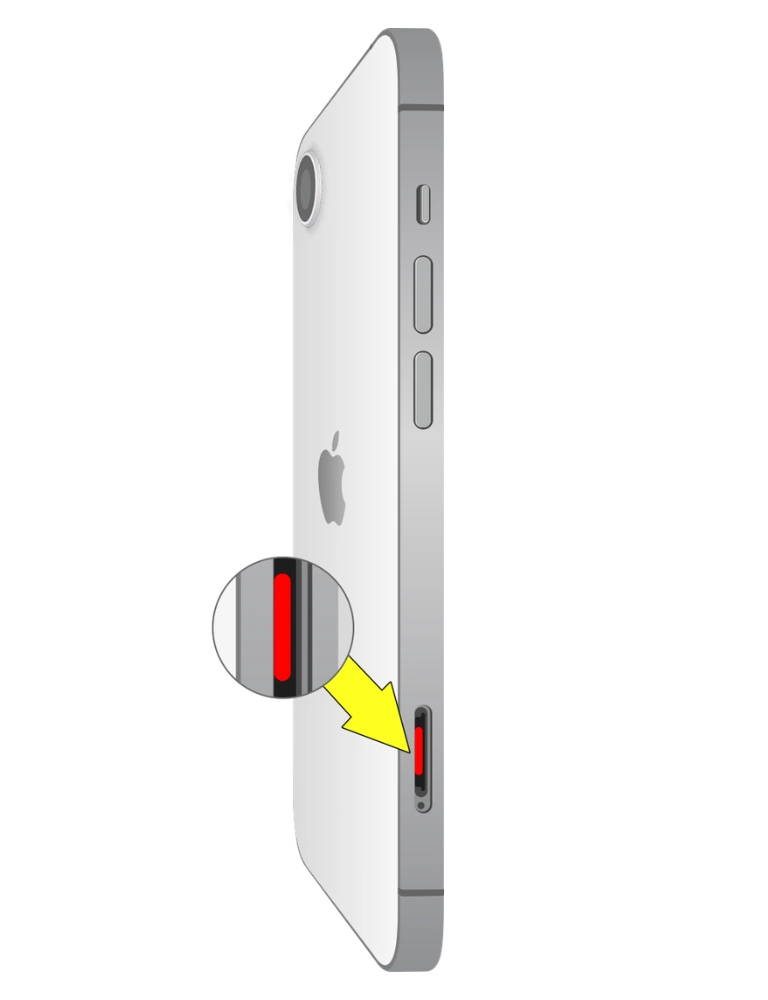
If you drop your iPhone in water, it can quickly become waterlogged and start acting weird. Moisture can easily seep into your iPhone speaker and lead to muffled sound, poor audio quality, and static during a phone call.
People usually say to put your iPhone in uncooked rice, but phone repair experts suggest turning it off right away, not charging it, and using safe, expert-approved methods to dry it out.
In this guide, you will learn how a sound-based cleaning method uses specific vibrations to remove water from an iPhone speaker with eject water sound – No rice is needed.
How does water get into your iPhone Speaker?
Water can easily seep into iPhone speaker openings and start to distort the sound if you are continuously using your device in these places without waterproof covers or cases.
Signs Water Is Trapped in Your iPhone Speaker
Here are the signs of water in iPhone speakers.

Muffled or Distorted Sound
Clogged water in the iPhone speaker turns the sound unclear or distorted.
Crackling Noise on the Call
Hidden moisture in the upper speaker breaks the audio.

Speaker Volume Lower Than Usual
Wetness in speaker partially allows audio to pass through – volume feels low

Sound Only Works on One Side
Moisture has reached the speaker and partially blocked it.
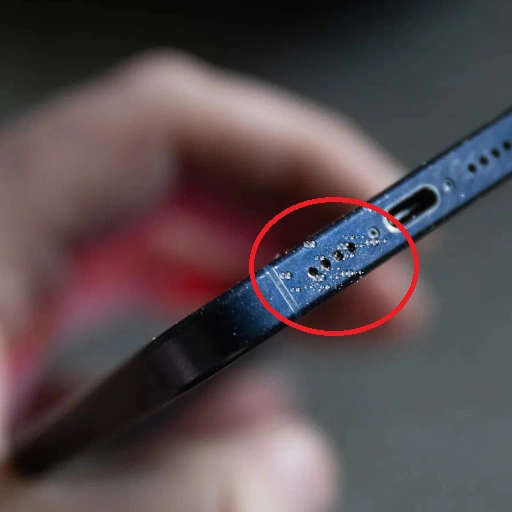
Water Visible Through the Speaker Grill
Showing liquid on the speaker grill means wetness has reached inside

Battery drains
Moisture inside the device may be putting extra load on internal components.
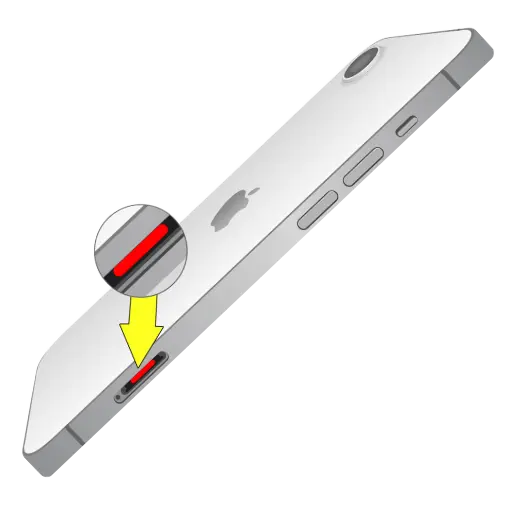
Red Liquid Contact Indicator (LCI)
Apple places LCIs inside the SIM slot. If it has turned red, your iPhone has definitely been in contact with water.

iPhone Getting Hot
Water inside the device can cause internal components to work harder than usual, which leads to overheating.
Is Your iPhone Water Resistant? Check Before You Panic
You may wonder that even IP67 and IP68 phones are not damage-resistant. Over time, the protective seals of the iPhone get compromised by moisture and allow it to enter through the speaker grill. That’s why if you think your phone is always water-resistant, you may be wrong.
IP stands for Ingress Protection. The first number shows resistance against solid particles like dust, and the second number shows resistance against water.
- IP67 = Can survive 30 minutes up to 1 meter in water
- IP68 = Can survive 30 minutes up to 6 meters in water
7 Steps to Remove Water from an iPhone speaker Without Opening It
Accidentally dropping your iPhone in water can be stressful, but acting quickly and calmly can help minimize damage to the speakers.
Here’s a step-by-step guide on what to do immediately after your iPhone gets wet.
H2: How to Use Water Eject Sound to Fix iPhone Speaker
Other Methods to Remove Water from iPhone speaker
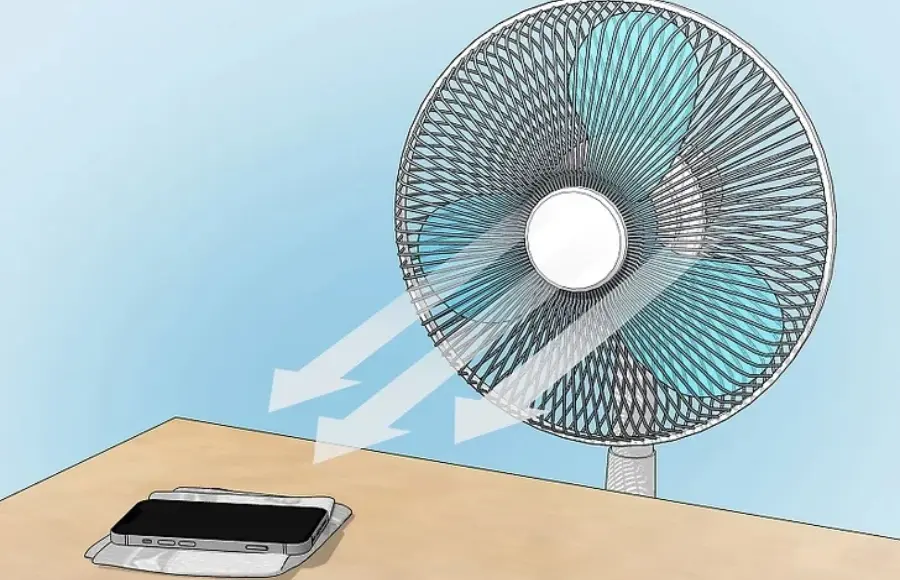
Cool Fan Airflow Method
Place your iPhone in front of the fan and allow the air to evaporate the moisture.
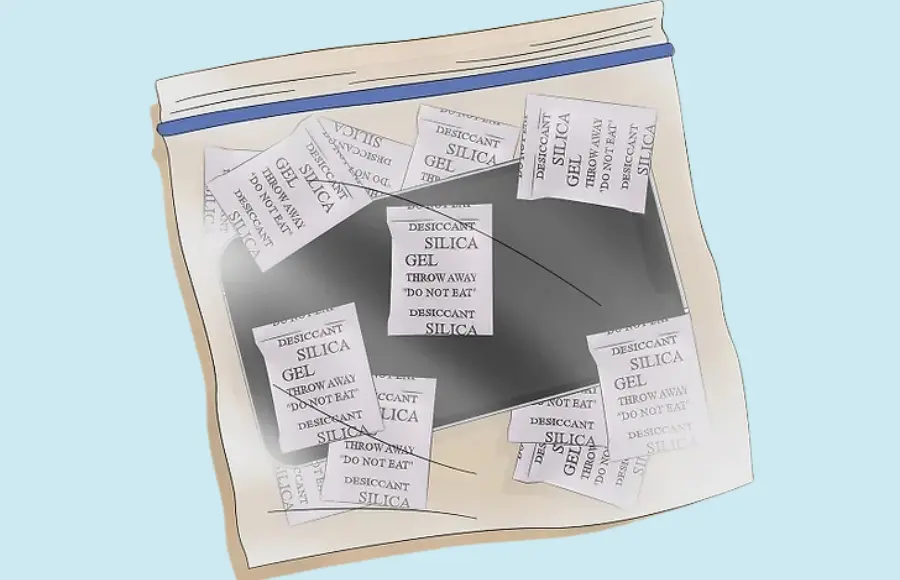
Silica Gel Method (Not Rice)
It’s another effective way to remove water from iPhone speakers, just put your device with plenty of silica gel packets in a sealed container for 24 hours.
Water-damaged iPhone Speaker – What to Avoid
Avoid inserting needles
Sharp objects may damage the delicate parts of of iPhone speaker grill
Don’t put an iPhone in uncooked rice
Studies have shown that rice dust can cause further blocking if it gets stuck in the small pores of the speaker.
Avoid using hot air
There is a risk that hot air may push moisture more deeply into the device and even melt sensitive parts.
Don’t power on the device
Any electricity in a wet iPhone may cause a short-circuit.
Don’t use compressed air
High-pressure air causes the moisture to penetrate deeper inside the phone speaker
How to Check if Water is Still in Your iPhone’s Speakers
If you’re not sure that your iPhone speaker is completely dry, perform these tests one by one to find the current moisture condition.
When to get professional help
If the sound coming from the iPhone speaker is still muffled, it’s best to take your iPhone to the Apple Store. An expert will inspect the device and follow the correct technique to dry your iPhone.
Severe water damage: A fully water-submerged iPhone — immediately moving toward a mobile technician may prevent a big loss — the phone’s failure!
No sound: If there is complete silence from the speaker, even after adjusting volume settings, then consider calling an iPhone expert.
Crackling and distortion: Follow all DIY steps, but if the sound still does not clear, maybe a speaker replacement could be the correct call.
Conclusion
Getting Dust and moisture in the iPhone speaker is extremely stressful, because of broken sound, but it’s not the end. Skipping the rice method and following the right steps can really help save your phone.
If things still don’t feel right, getting professional help is the smart move.
FAQs-Frequently Asked Questions